Best Ways to Make a Bulin 47 AI Video (2026): Bulin 47 AI vs Seedance vs CapCut Template
Three ways people make the Bulin 47 AI video: a one-photo generator, Seedance in Dreamina, or a CapCut template. What each needs, what you get, what it costs, and which to pick.
 Bulin 47 AI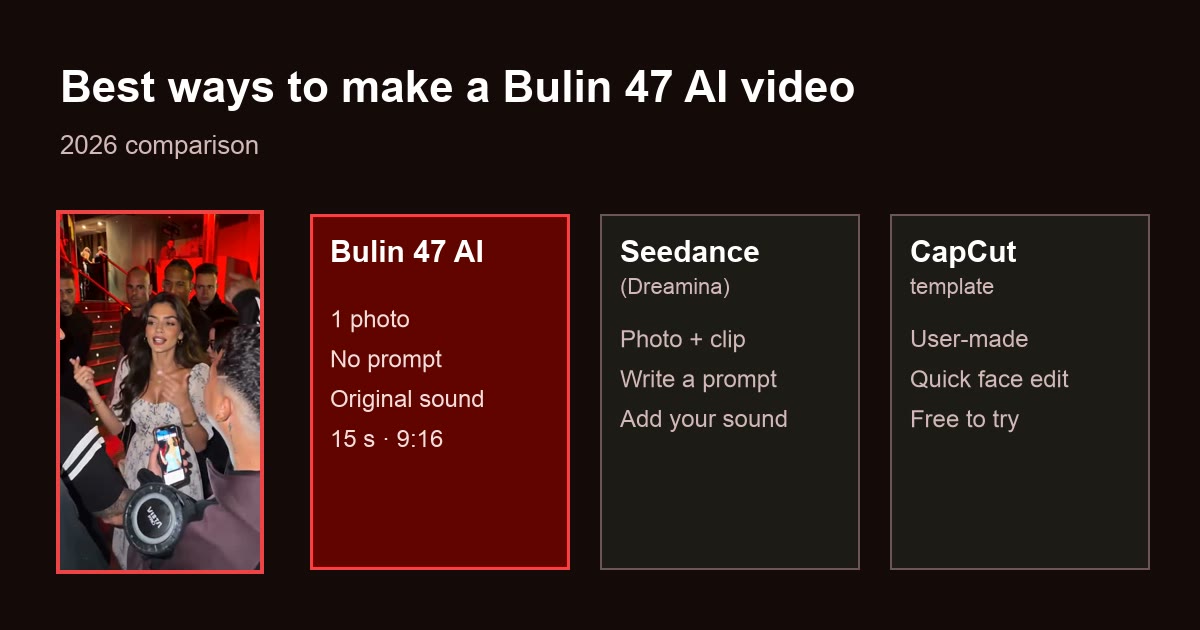
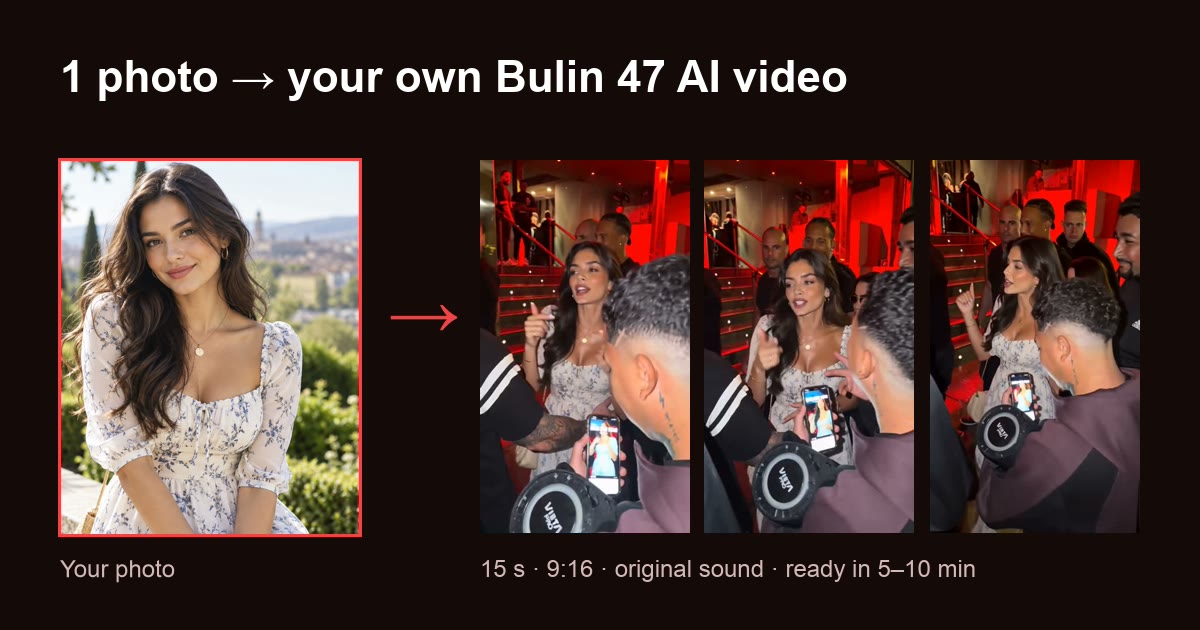
Short answer: there are three ways to make a Bulin 47 AI video. A one-photo generator like Bulin 47 AI is the easiest and closest to the original: upload one photo and get a 15-second 9:16 video with the original moves, lip sync and sound. Seedance in Dreamina gives you more control but needs a reference clip and a prompt from you. A CapCut template is the quickest way to try a face edit.
1 photo · 15 s · 9:16 · original sound · from $9.90
The three options at a glance
| Bulin 47 AI | Seedance in Dreamina | CapCut template | |
|---|---|---|---|
| What you upload | 1 photo | Your photo + a reference clip + a prompt you write | Photo(s) the template asks for |
| How it works | AI regenerates the performer from your photo, using the original clip as reference | AI generates a new video from your prompt and references | Your photo is placed into the template |
| Matches the original moves | Yes: same moves, timing and camera | Not guaranteed, by Dreamina's own note | Depends on the template |
| Lip sync to the rap | Yes | Not guaranteed | Depends on the template |
| Original sound | Added for you, or download silent for TikTok | Not provided; add your own | Depends on the template |
| Length and format | 15 s, 9:16 vertical | Plans are priced in 10 s clips; you pick the format | Set by the template |
| Prompt needed | No | Yes | No |
| Watermark | No | Removed on paid plans | Depends on CapCut plan and template |
| Price | From $9.90 per video pack, no subscription | Free daily credits; monthly plans for more | Free to try |
Prices and plans are as of October 2026 and can change. Check each tool before you pay.
Option 1: a one-photo generator (Bulin 47 AI)
Bulin 47 AI is built for this one trend. The original clip and the prompt are already set up, so the only input is your photo.
- Input: one clear, front-facing photo (JPG, PNG, WebP or HEIC).
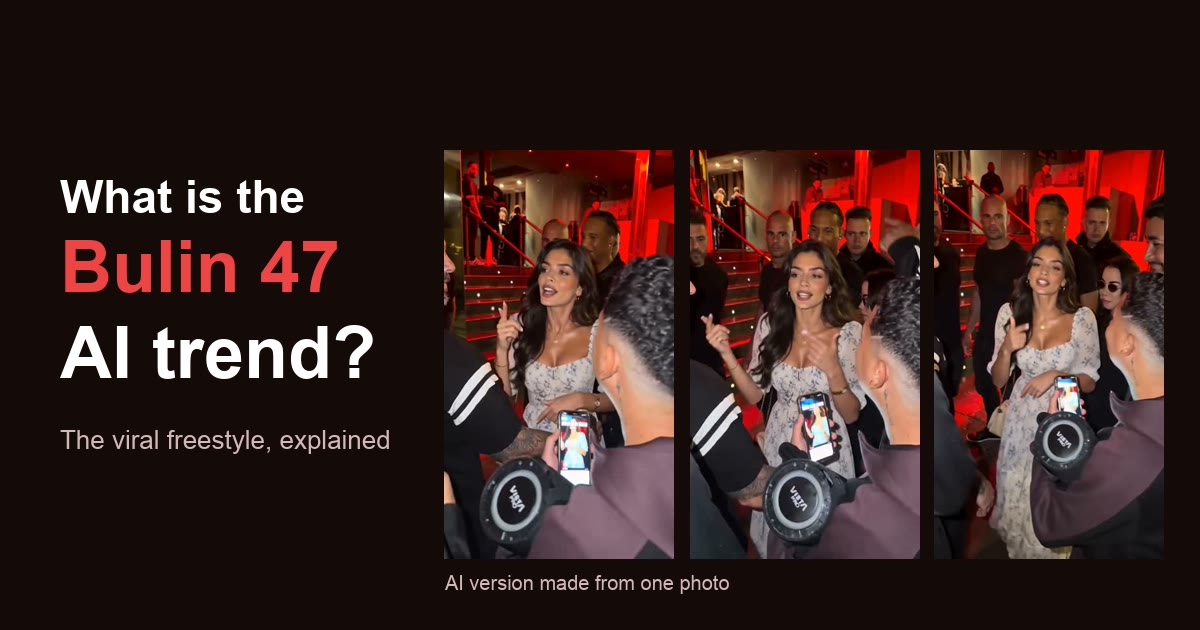
- Output: a 15-second, 9:16 MP4 with the same moves, camera and red-lit entrance, lip-synced to the rap. Download it with the original audio, or silent to add the sound in TikTok.
- Models: Standard (Seedance 2.0) or Pro (Seedance 2.5), in 480p or 720p.
- Time: about 5–10 minutes.
- Cost: 10 credits for a standard video; packs start at $9.90 for 15 credits. No subscription, credits never expire, and failed renders are not charged.
Best for: anyone who wants a version that looks like the real trend, with no prompt writing or editing. Not ideal if you want a different scene, outfit or story: the scene always stays the original one.
Option 2: Seedance in Dreamina
Seedance is ByteDance's AI video model family, available in Dreamina, CapCut's AI creation app. It is the same model family Bulin 47 AI runs on, used directly.
- Input: a text prompt plus up to 9 images, 3 videos and 3 audio clips as references. For this trend, that means your photo plus a reference clip you find yourself.
- What to expect: Dreamina's own Bulin 47 tutorial says its prompts are "not an official Bulin 47 video template" and that references do not guarantee identical gestures or lip sync. It does not provide the original footage or soundtrack.
- Cost: free daily credits to try; paid monthly plans remove the watermark and unlock longer, higher-resolution videos.
Best for: creators who want their own twist, such as a new location, outfit or character, and do not mind rewriting prompts. Not ideal if you want the original scene and sound with no setup.
Option 3: a CapCut template
Searching "Bulin 47" in CapCut or following TikTok tutorials leads to user-made templates. There is no official Bulin 47 template from CapCut or the creators.
- Input: usually one or more photos.
- What to expect: results depend on each template's creator, and some templates found under "Bulin 47" are older edits that are not the freestyle.
- Cost: free to try in CapCut.
Best for: a quick, low-effort edit to share with friends. Not ideal if you want the AI-regenerated look where the whole performer becomes you.
Which one should you pick?
- "I just want my own Bulin 47 video, fast": Bulin 47 AI. One photo, no prompt, about 5–10 minutes.
- "I want to change the scene or the character": Seedance in Dreamina, if you are fine writing prompts and supplying references.
- "I want to try something free right now": a CapCut template, or Dreamina's free daily credits.
If you go with Bulin 47 AI, the step-by-step guide walks through every screen, including how to post on TikTok with the original sound. New to the trend? Start with what the Bulin 47 AI trend is.
Ready in about 5–10 minutes. Failed renders are never charged.
Whatever tool you use
- Use your own face, or ask first. Bulin 47 AI only accepts photos of yourself or of adults who agreed to it; celebrities, public figures and minors are not allowed.
- Label it as AI when you post. TikTok and Instagram ask for it.
- The original belongs to its creators. Watch and share the original freestyle from Bulin 47's and Kevin Wai's own accounts.
Bulin 47 AI is an independent fan tool. It is not affiliated with, endorsed by or connected to Bulin 47, Kevin Wai, ByteDance, CapCut, Dreamina or their teams.
Sources
- Dreamina, Bulin 47 AI Video Prompts & Freestyle Tutorial
- Dreamina, Seedance 2.0
Frequently asked questions
- What AI app are people using for Bulin 47 videos?
- Three kinds of tools: one-photo generator sites such as Bulin 47 AI, general AI video apps such as Dreamina running ByteDance's Seedance models, and user-made CapCut templates shared on TikTok.
- What's the best AI tool to create a Bulin 47 freestyle video?
- For the easiest result that matches the original, use a one-photo generator like Bulin 47 AI: one photo, about 5–10 minutes, a 15-second 9:16 video with the original moves, lip sync and sound. Use Dreamina if you want to design your own scene with prompts, and a CapCut template if you only want a quick face edit.
- Can I use Seedance to recreate the Bulin 47 AI trend?
- Yes. Seedance 2.0 in Dreamina accepts a text prompt plus up to 9 images and 3 videos as references, so you can combine your photo with a reference clip. You have to find the clip and write the prompt yourself, and Dreamina says references do not guarantee identical gestures or lip sync. Bulin 47 AI runs on Seedance 2.0 and 2.5 with the reference clip and prompt built in.
- Is there a Bulin 47 AI video template?
- There is no official one. User-made CapCut templates are shared through TikTok tutorials, and Dreamina offers sample prompts that it describes as not an official Bulin 47 template.
- Is there a free way to make the Bulin 47 AI video?
- Partly. Dreamina gives free daily credits and CapCut templates are free to try, but watermark-free, longer or higher-resolution output needs a paid plan, and you do the setup yourself. Bulin 47 AI is not free: the cheapest option is $9.90 for 1 standard video, with no subscription.