Bulin 47 CapCut Template: Is There One, How to Use It, and What to Use Instead (2026)
There is no official Bulin 47 CapCut template. What the user-made templates on TikTok actually do, how to use one, how they differ from a one-photo AI video, and which to pick, with prices.
 Bulin 47 AI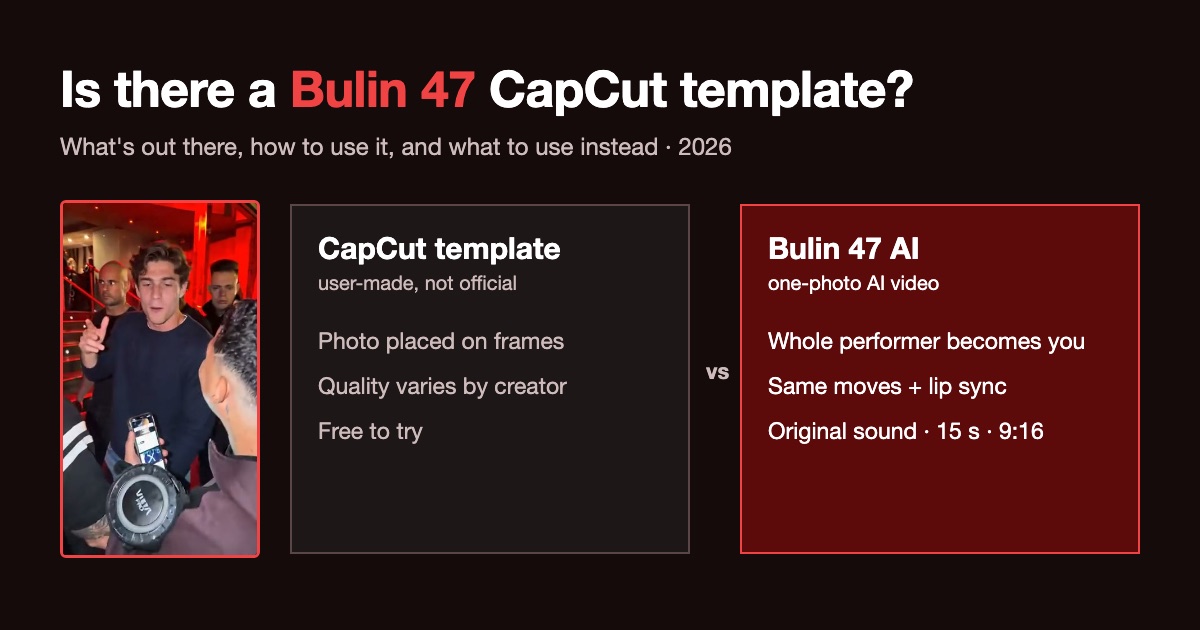
Short answer: there is no official Bulin 47 CapCut template. The templates you see on TikTok are made by other users, and most of them place your photo on top of fixed frames. If you want the whole performer to become you, with the original moves, lip sync and freestyle sound, you need an AI video generator, not a template.
1 photo · 15 s · 9:16 · original sound · from $9.90
What is the "Bulin 47 template"?
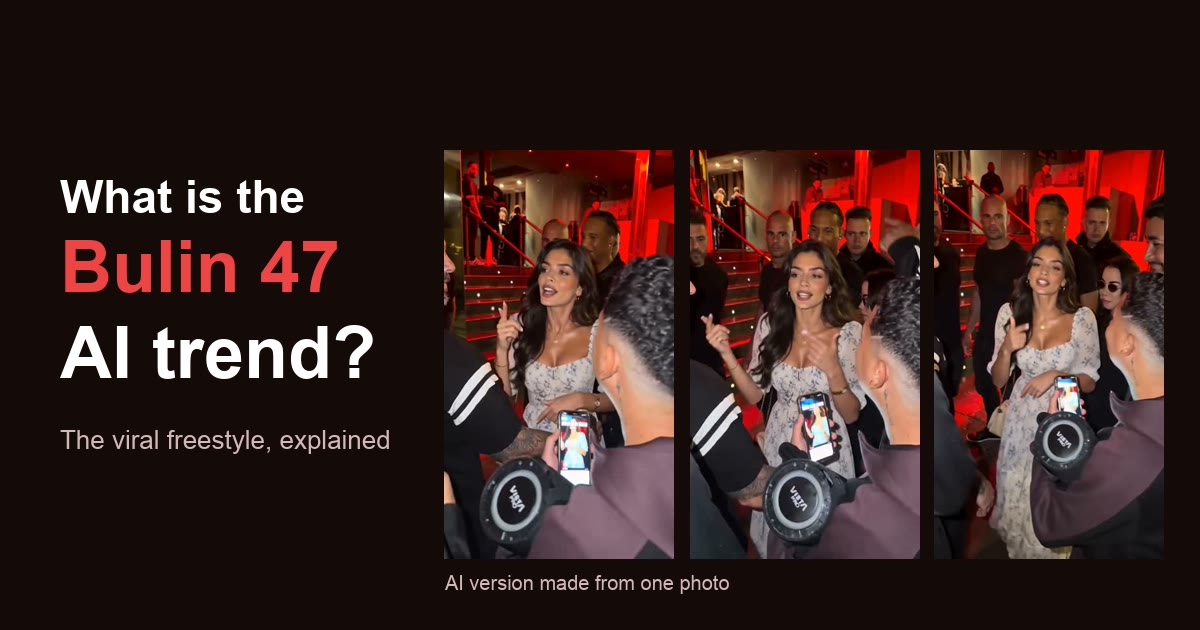
When the Bulin 47 freestyle went viral, TikTok filled up with "how to do the Bulin 47 AI trend" tutorials. Many end with the same step: open a CapCut template from the link on the video, choose your photo and export. (New to the trend? Here is what the Bulin 47 AI trend is and where it came from.)
What to know before you try one:
- It is not official. CapCut, Bulin 47 and Kevin Wai have not released a template.
- Every template is made by a different user, so quality varies a lot from one to the next.
- Not all of them are the freestyle. Some templates that come up under "Bulin 47" are older edits that have nothing to do with the clip.
How to use a Bulin 47 CapCut template
If you still want to try one, the usual path is:
- In TikTok, open a video that says it uses a CapCut template and tap the template link shown on the video.
- CapCut opens with the template. Tap the button to use it.
- Pick the photo or photos it asks for.
- Wait for the app to process it, then export.
- Post it on TikTok with the freestyle sound.
The result depends on how the template was built. In many of them you can tell it is a photo placed on top: the face does not move or rap along like the original.
CapCut template vs. a one-photo AI video
| CapCut template | Bulin 47 AI | |
|---|---|---|
| What you upload | The photo(s) the template asks for | 1 photo |
| How it works | Your photo is placed into the template | AI regenerates the performer from your photo, using the original clip as reference |
| Matches the original moves | Depends on the template | Yes: same moves, timing and camera |
| Lip sync to the rap | Usually not | Yes |
| Original sound | Depends on the template | Added for you, or download silent for TikTok |
| Rap your own lyrics | No | Yes: Your own freestyle mode |
| Length and format | Set by the template | 15 s, 9:16 vertical |
| Prompt or editing needed | No | No |
| Watermark | Depends on CapCut plan and template | No |
| Price | Free to try | From $9.90, no subscription |
Prices and plans are as of October 2026 and can change. Check each tool before you pay.
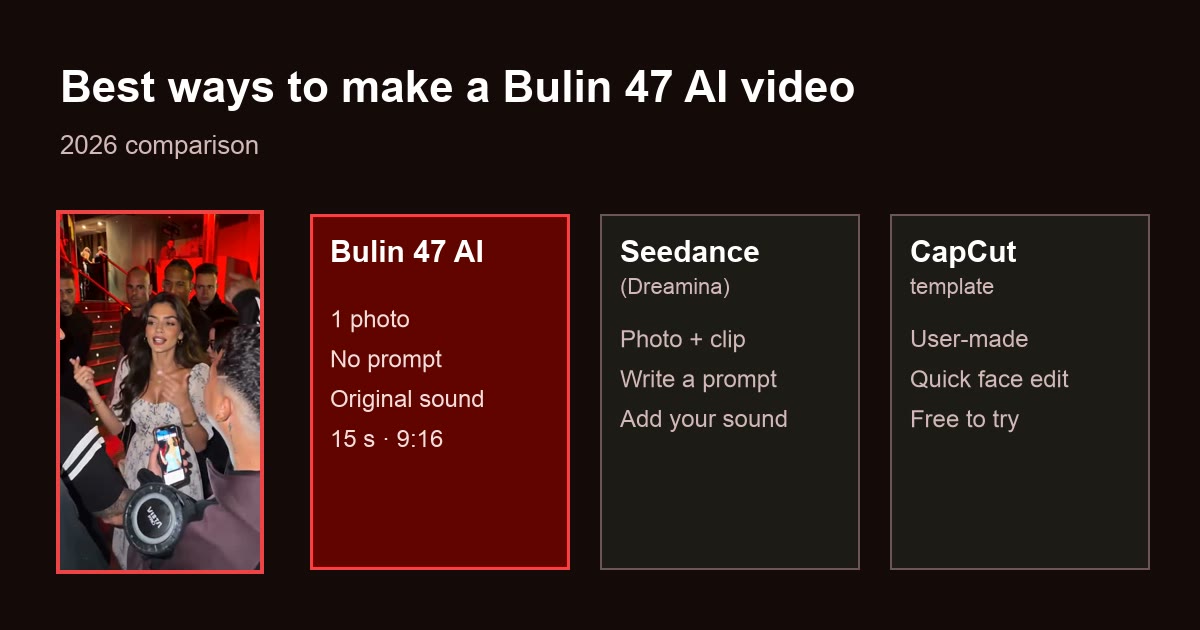
There is a third route, Seedance in Dreamina, which needs a reference clip and a prompt from you. It is covered in the best ways to make a Bulin 47 AI video.
What Bulin 47 AI does instead of a template
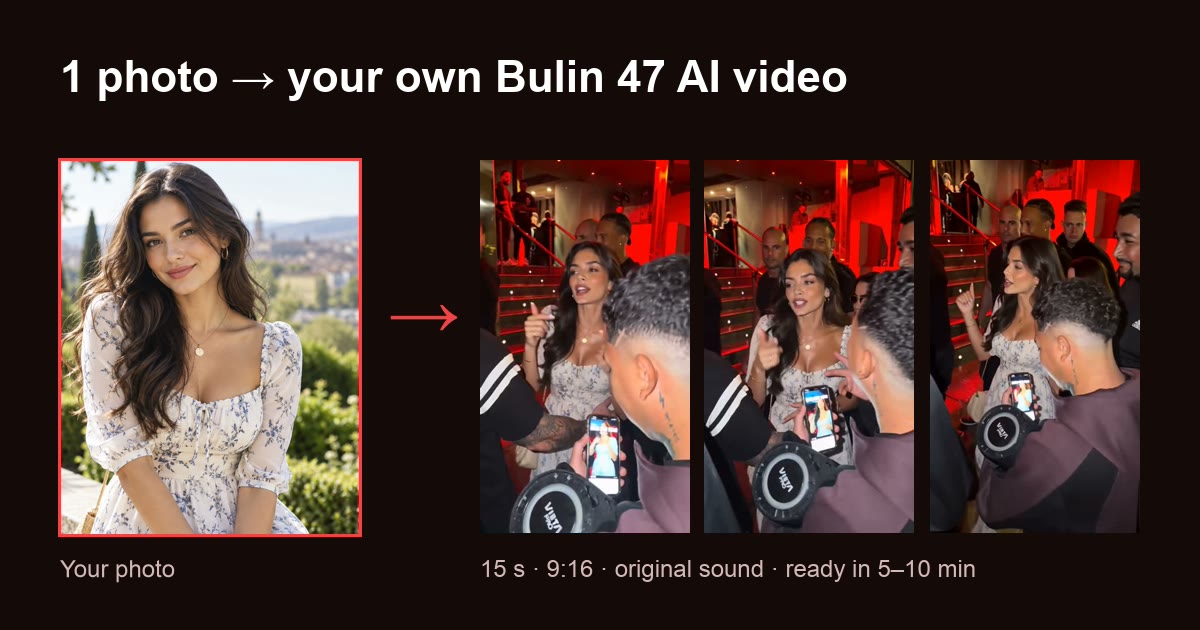
Bulin 47 AI is built for this one trend. The original clip and the instructions for the model are already set up, so the only input is your photo:
- Upload: one clear, front-facing photo (JPG, PNG, WebP or HEIC).
- Get: a 15-second, 9:16 MP4 with the same moves, camera and red-lit door, lip-synced to the rap. Download it with the original audio, or silent to add the sound in TikTok.
- Styles: Original freestyle copies the clip's moves and sound. Your own freestyle keeps the red-lit door and the crowd but raps new lyrics on a dembow beat: pick a theme (Classic freestyle, Birthday, Business partner or For my love) and optionally write up to 150 characters of your own. No template can do that.
- Models: Standard (Seedance 2.0) or Pro (Seedance 2.5), in 480p or 720p.
- Time: about 5–10 minutes.
- Cost: 10 credits for a standard video; packs start at $9.90 for 15 credits. No subscription, credits never expire, and failed renders are not charged.
Pick it if you want a version that looks like the real trend, without hunting for templates or editing. Skip it if you want a different scene or outfit: the red-lit door always stays, even when you rap your own lyrics.
Every screen, from upload to posting on TikTok, is in the step-by-step guide to making the Bulin 47 AI video.
So which one should you use?
- "I want my Bulin 47 video now, and it should look like the original": Bulin 47 AI. One photo, no prompt, about 5–10 minutes.
- "I want it to rap my own words, like a birthday shout-out": Bulin 47 AI's Your own freestyle.
- "I just want to try something free": a CapCut template.
Ready in about 5–10 minutes. Failed renders are never charged.
Tip: use CapCut for what it is good at
CapCut is still useful after you have your video: open your Bulin 47 AI video in CapCut to add text, stickers, or the sound if your browser could not add the original audio. The video is already 9:16, so no cropping is needed.
Bulin 47 AI is an independent fan tool. It is not affiliated with, endorsed by or connected to Bulin 47, Kevin Wai, ByteDance, CapCut, Dreamina or their teams.
Frequently asked questions
- Is there a Bulin 47 CapCut template?
- Not an official one. Neither CapCut nor the creators of the video have released a template. The ones you find by searching "Bulin 47" are user-made templates shared through TikTok tutorials, and some are older edits that are not the freestyle at all.
- How do I use the Bulin 47 CapCut template?
- Usually from a TikTok video that offers a "use template in CapCut" link: it opens CapCut, you pick the photo or photos the template asks for, and the app places them into it. What you get depends on whoever made that template.
- What is the difference between a CapCut template and a Bulin 47 AI video?
- A template places your photo onto fixed frames. An AI generator like Bulin 47 AI uses the original clip as a reference and regenerates the whole performer from your photo, with the same moves, lip sync to the rap and the original sound.
- Can I make the Bulin 47 video without a template?
- Yes. On Bulin 47 AI you upload one photo and get a 15-second 9:16 video in about 5–10 minutes, with the original sound, no template, no prompt and no editing.
- Is the Bulin 47 CapCut template free?
- Templates are free to try in CapCut, though some features and watermark-free export depend on your CapCut plan. Bulin 47 AI is not free: the cheapest option is $9.90 for 1 standard video, with no subscription.