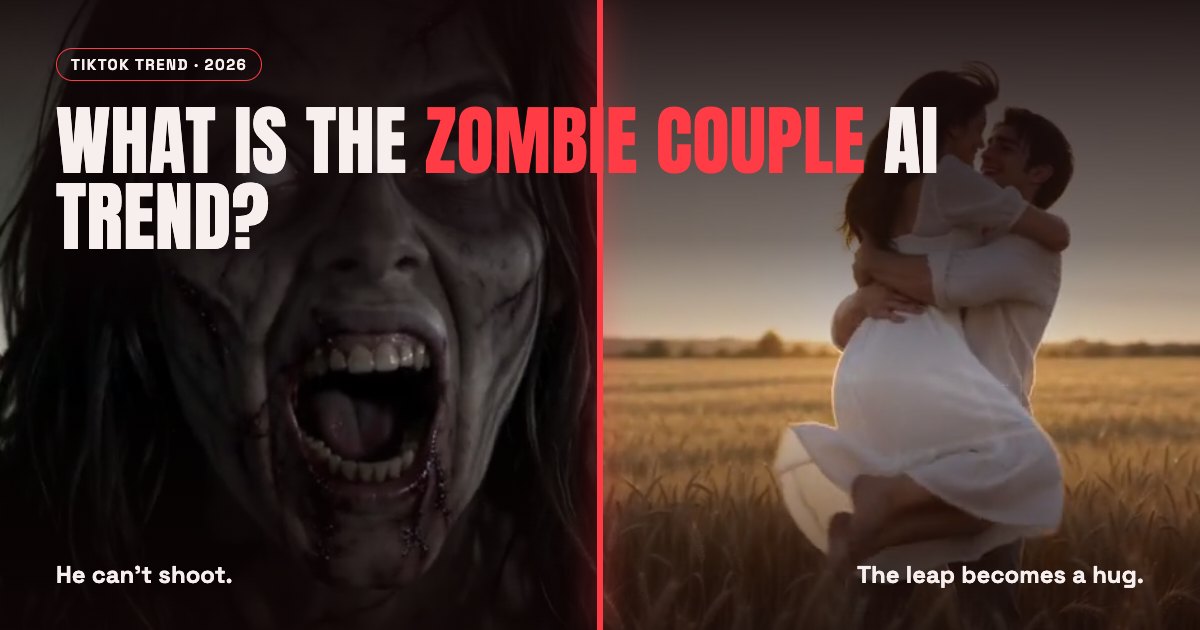
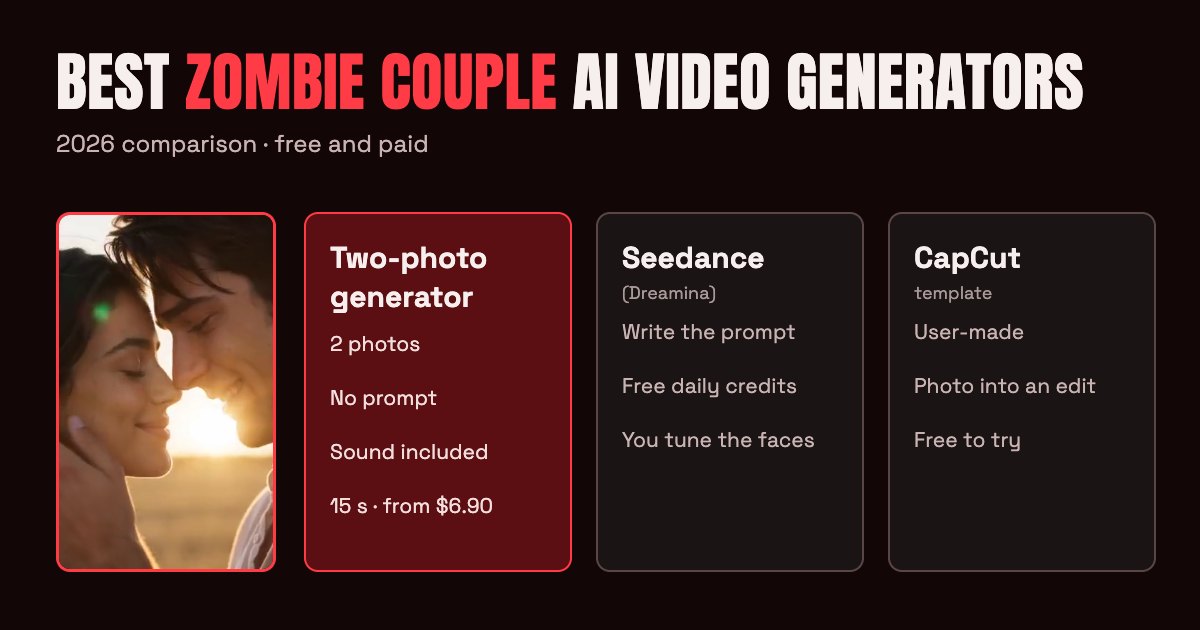
Zombie Couple AI Prompt (2026): The Full Zombie Love Story Prompt for Seedance
The working prompt for the viral Zombie Couple AI video: 9 shots in 15 seconds, the zombie hug transition into a wheat field, and the lines that keep both faces consistent. Copy it into Seedance, or skip the prompt and upload two photos.
 Bulin 47 AI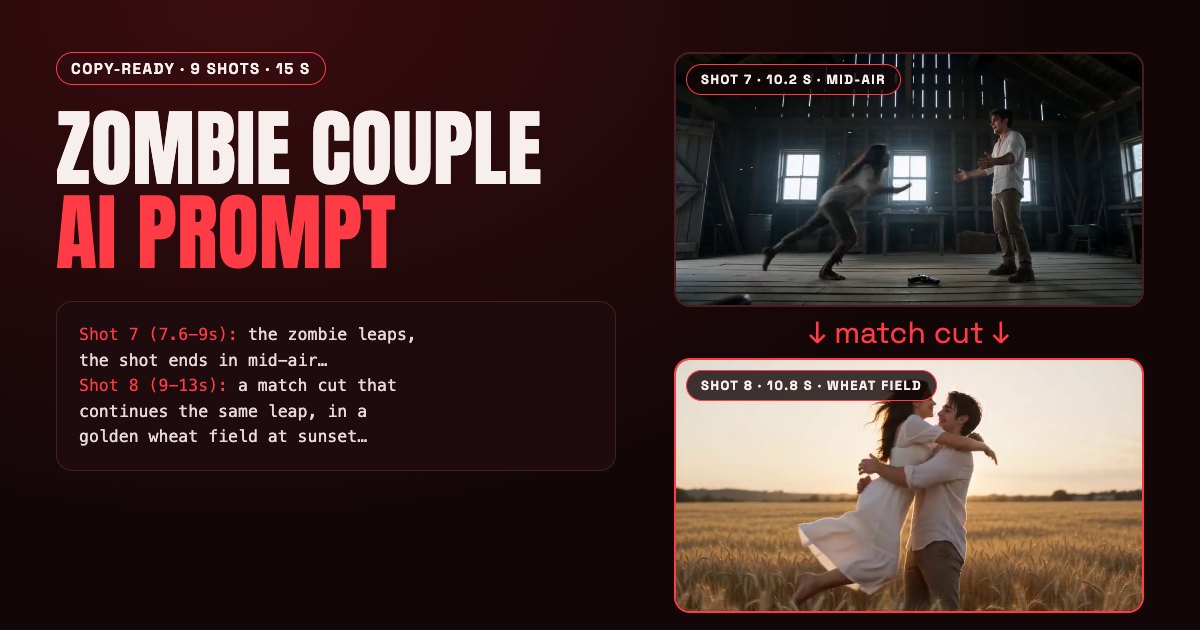
Short answer: the Zombie Couple AI video is one 15-second, 9-shot prompt. Two people from two photos: one aims a gun and cries in an abandoned farmhouse, the other has turned into a zombie. The gun drops, the zombie leaps, and a match cut turns the leap into a hug in a golden wheat field. Below is the full prompt we use, why each part is there, and how to run it in Seedance. If you'd rather not write prompts at all, our generator runs it for you from two photos.
15 s with sound · 16:9 or 9:16 · about 5–10 minutes · from $6.90
The shot list
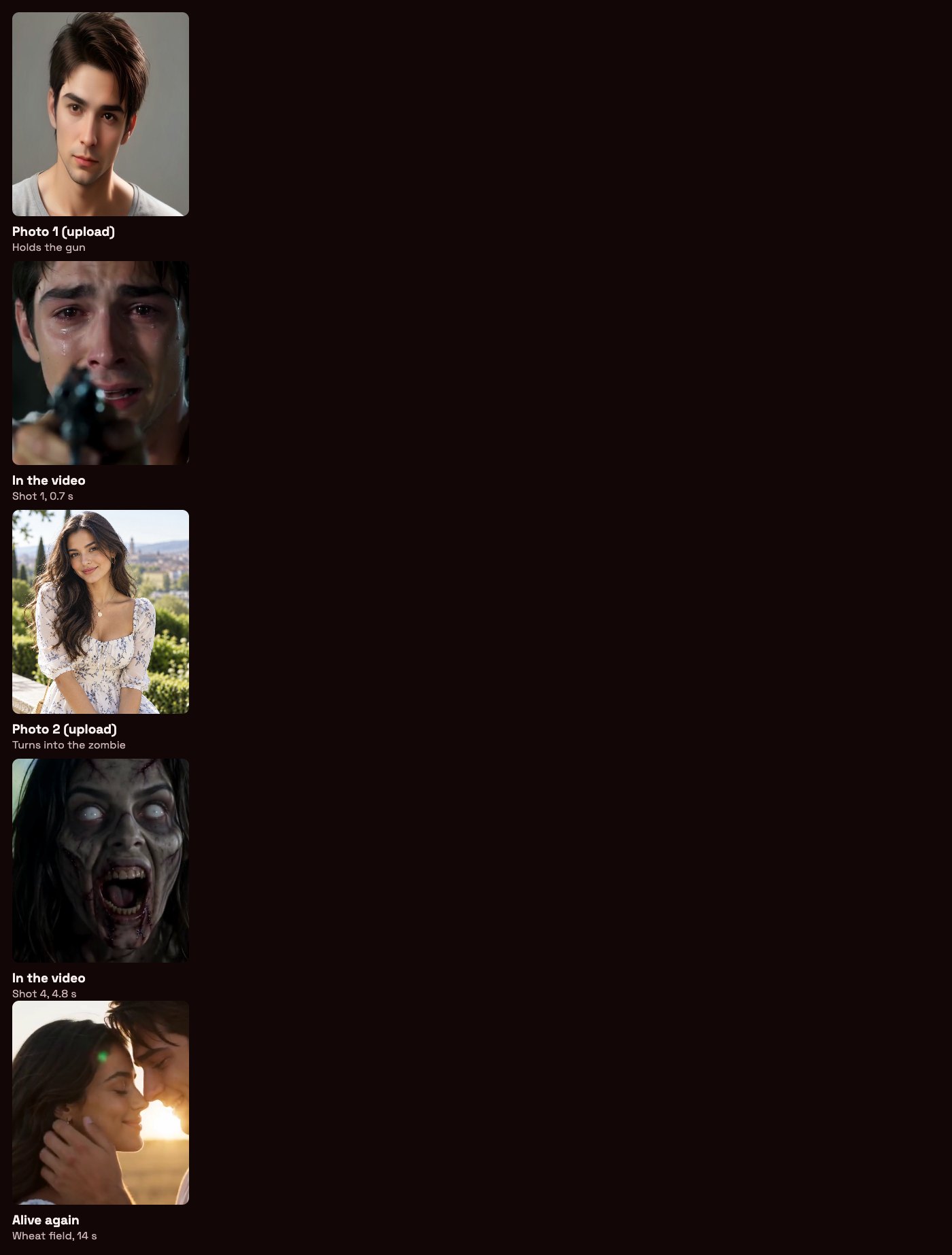
The trend clips all follow the same small story. This is how our test render of the prompt came out, made from two AI-generated people:
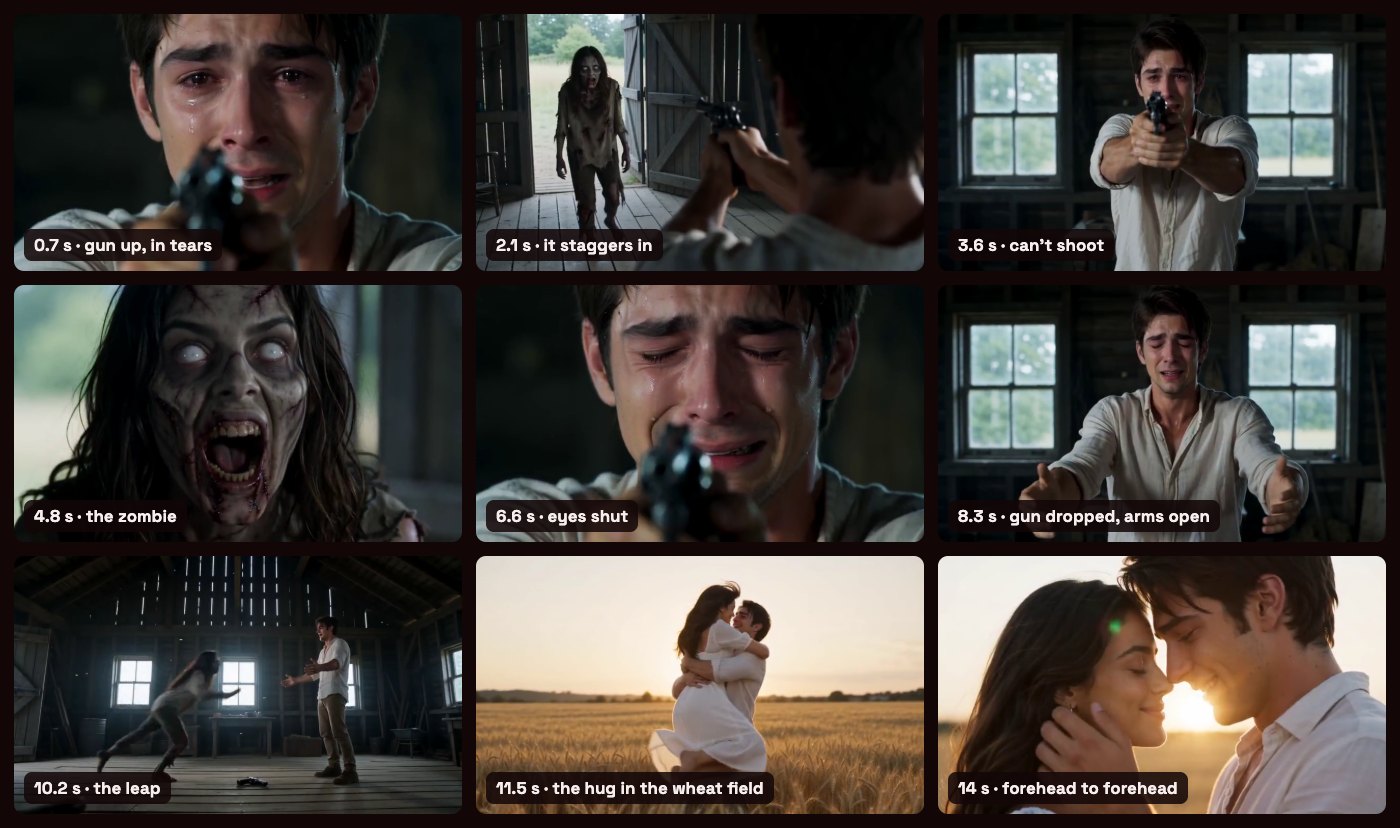
These are the cut points we write into the prompt:
| Time | Shot | What happens |
|---|---|---|
| 0–1.4 s | Extreme close-up | Photo 1 in tears, aiming a handgun at the camera |
| 1.4–2.9 s | Over the shoulder | Photo 2, now a zombie, staggers closer |
| 2.9–4.3 s | Front medium | Both hands on the gun, two bright windows behind |
| 4.3–5.4 s | Extreme close-up | The zombie face: grey skin, white eyes, bared teeth |
| 5.4–7.6 s | Close-up → medium | Eyes shut, the gun lowered and dropped, arms open |
| 7.6–9 s | Side-on wide | The zombie sprints and leaps; the shot ends in mid-air |
| 9–15 s | Wheat field | The same leap lands as a hug, a slow spin, then foreheads together at sunset |
The full prompt
Upload the two photos as image references first. @Image1 is the person holding the gun, @Image2 is the one who turns. If your tool labels uploads differently, replace those two names everywhere.
A cinematic widescreen 16:9 short film, exactly 15 seconds long, photorealistic,
anamorphic 35mm film look, shallow depth of field, hard cuts between shots,
no on-screen text, no subtitles, no logos, no watermark.

Only two characters: the person in @Image1 and the person in @Image2. Take only
their faces, hair and body shapes from the reference images and ignore the
backgrounds. Both faces stay recognisable and consistent in every shot.
The person in @Image1 stays fully human in every shot: clean healthy skin,
no veins, no wounds, no blood, only tears.

PART ONE: inside an abandoned wooden farmhouse in daytime, dim and muted but
readable, soft cool daylight from two windows behind the person in @Image1.
The person in @Image2 has turned into a zombie but keeps their own hair and face
shape: ash-grey skin, milky white eyes, dark veins around the eyes and mouth,
cracked lips, torn dirty clothes, no blood, no gore.

Shot 1 (0-1.4s): extreme close-up of the person in @Image1, crying, aiming a
handgun at the camera, the gun out of focus in the foreground, hands shaking.
Shot 2 (1.4-2.9s): over the shoulder of the person in @Image1, the zombie
staggers slowly toward them across the wooden floor.
Shot 3 (2.9-4.3s): front medium shot of the person in @Image1 gripping the gun
with both hands, the two windows behind, sobbing.
Shot 4 (4.3-5.4s): extreme close-up of the zombie face, white eyes, teeth bared.
Shot 5 (5.4-6s): close-up of the person in @Image1 squeezing their eyes shut.
Shot 6 (6-7.6s): the person in @Image1 lowers the gun, lets it fall and opens
both arms wide, eyes closed.
Shot 7 (7.6-9s): wide side-on profile shot. The person in @Image1 stands on the
right with arms open; the zombie on the left sprints and leaps toward their
chest. The shot ends with the zombie in mid-air, an instant before contact.

PART TWO, a happy memory: a golden wheat field at sunset, warm backlight, soft
lens flare. The person in @Image2 is alive and healthy, dressed in white; the
person in @Image1 wears a white linen shirt.
Shot 8 (9-13s): a match cut that continues the same leap, with the same side-on
framing and body positions as the end of shot 7: the person in @Image2 lands in
the open arms of the person in @Image1, who spins them around, both laughing,
slow motion.
Shot 9 (13-15s): close-up of the two faces forehead to forehead, smiling, sun
flare between them.

Sound: wind, shaky breathing and a low growl in the farmhouse, then a soft
emotional piano melody and quiet laughter in the field. No dialogue, no singing.
For a vertical TikTok or Reels version, change the first line to A cinematic vertical 9:16 short film framed for a phone screen.
Why the prompt is written this way
We tested this kind of prompt before building the generator. Three things decide whether it works:
- Name the photo in every shot. Write "the person in @Image2", not "the zombie" or "the man". Otherwise the model treats the zombie and the healthy person in the field as two different people, and your partner's face disappears from one half.
- Say the survivor's skin is clean. Without that line, the grey skin and veins spread to both faces.
- Write the hug as a match cut. Shot 7 ends with the zombie in mid-air, side-on, and shot 8 starts "with the same framing and the same body positions". That is what makes the leap land as a hug instead of a hard cut to a new scene.

In our test render the model ran a little behind the written timings: the leap came at about 10 seconds instead of 9, and it turned the match cut into a short dissolve. The leap and the landing still lined up, which is what sells the moment.
The timings follow the cut points of the trend clips. "No blood, no gore" keeps it shareable; even with it, some renders still add a little blood around the mouth, so regenerate if that bothers you.
How to keep your faces consistent
- One face per photo, front-facing, sharp and evenly lit. Crop a couple photo into two files if that's all you have.
- No sunglasses, heavy filters or hands over the mouth. The model can only keep what it can see.
- Keep hair and shoulders in the crop. A tiny face thumbnail loses the likeness.
- Regenerate instead of fixing. If one face drifts, a new render is faster than editing frames.
Which AI model to use
You need a video model that takes at least two image references, makes 15 seconds in one go and can generate sound. ByteDance's Seedance 2.0 does all three; in Dreamina it accepts up to 9 images as references. We run the Zombie Couple generator on Seedance 2.0 Fast. In our first test it kept every shot in order, held both faces and the match cut, and added the sound; its weak spots were a little blood despite the prompt and a leap that reads more like a lunge than a clean freeze.
Comparing ways to make it, including CapCut templates and free options, is in the best Zombie Couple AI video generators. New to the trend? Read what the Zombie Couple AI trend is.
Or skip the prompt
On our Zombie Couple AI video generator this exact prompt is built in.
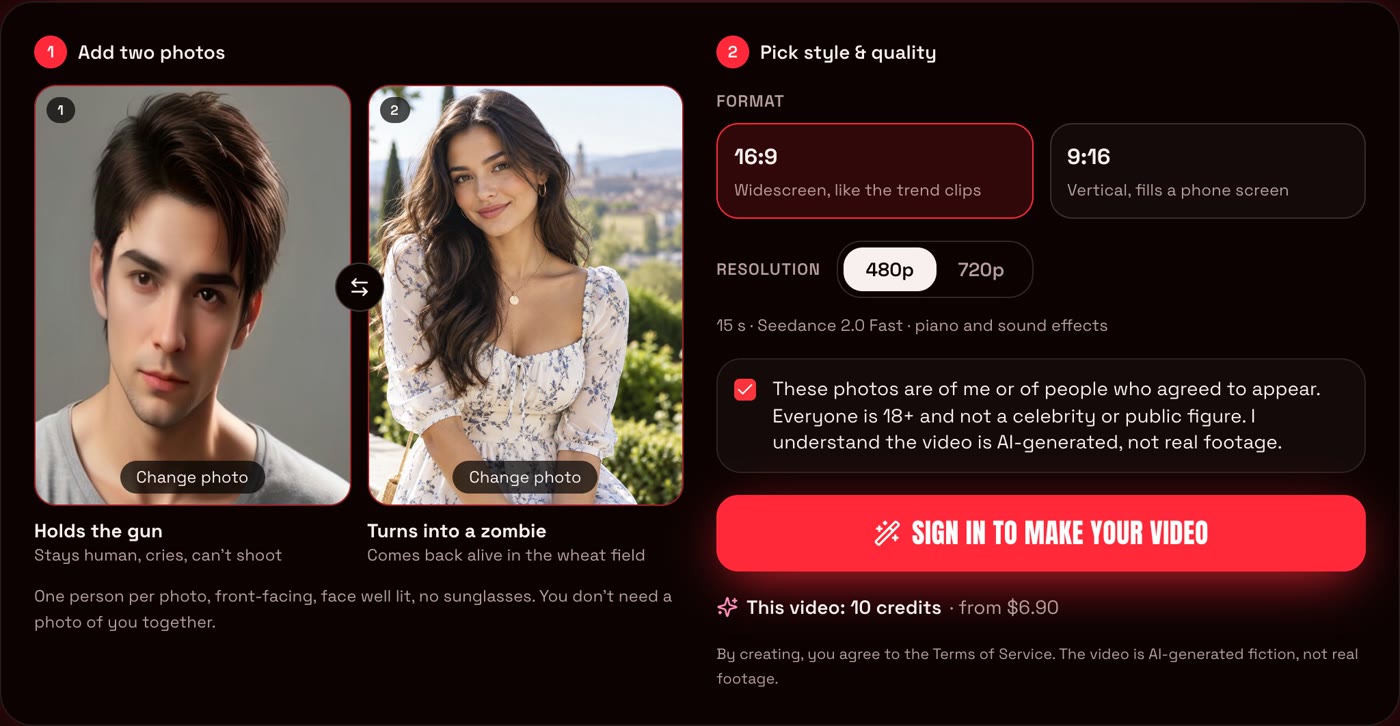 You upload one photo of each person, pick 16:9 or 9:16 and 480p or 720p, and the 15-second video with sound is ready in about 5–10 minutes. It costs 10 credits at 480p ($6.90 buys one video) and 25 at 720p; failed renders are refunded.
Two photos · no prompt · no editing
Only use photos of yourself or of adults who agreed to appear, and turn on the AI-generated label when you post. Bulin 47 AI is independent and not affiliated with TikTok, ByteDance, CapCut, Dreamina or any creator of the trend.
Sources
- Dreamina, Seedance 2.0
Frequently asked questions
- What's the prompt for the viral Zombie Couple AI trend?
- A 15-second, 9-shot film prompt: in an abandoned farmhouse, the person in photo 1 aims a handgun at the person in photo 2, who has turned into a zombie; they cry, drop the gun and open their arms; the zombie leaps, and a match cut continues the leap as a hug in a golden wheat field at sunset. The full prompt is on this page.
- How do I make the Zombie Couple AI video using Seedance?
- Upload one photo of each person as image references, paste the prompt with @Image1 as the one holding the gun and @Image2 as the zombie, set 15 seconds and 16:9 or 9:16, and generate. On our generator the same prompt runs on Seedance 2.0 Fast with nothing to paste: you upload two photos and get the video in about 5–10 minutes.
- How do I create the zombie hug transition in an AI video?
- Write it as a match cut: end the farmhouse shot with the zombie in mid-air, side-on, an instant before contact, then start the wheat-field shot with the same framing and body positions, so the healthy person lands in the open arms. Keep both shots in one generation; stitching two clips rarely lines up.
- How can I keep our faces consistent in a Zombie Couple AI video?
- Name the photo in every shot ("the person in @Image2", never just "the zombie"), say the zombie keeps their own hair and face shape, and describe the other person's skin as clean, or the zombie look spreads to both faces. Use sharp, front-facing photos with one face each.
- What AI model is best for generating the Zombie Couple trend?
- A model that takes several image references and generates sound, such as ByteDance's Seedance 2.0. We use Seedance 2.0 Fast: in our first test it kept the shot order, both faces and the match cut, and added sound.