AI Rap Video Generators Compared (2026): Rap Video AI vs Suno, Udio, Hedra and More
We compared 8 tools people use to make AI rap videos: photo-to-rap performance, rap songs, lip sync to your own track, and full music videos. What each takes, gives back and costs, which to pick, and three workflows.
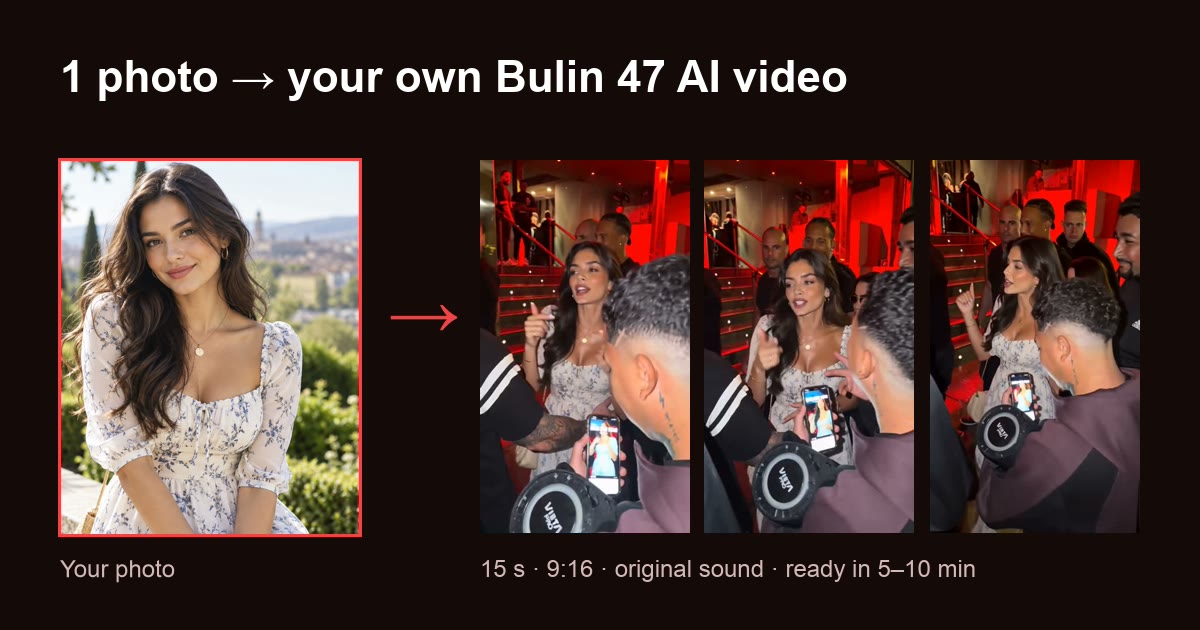
 Bulin 47 AI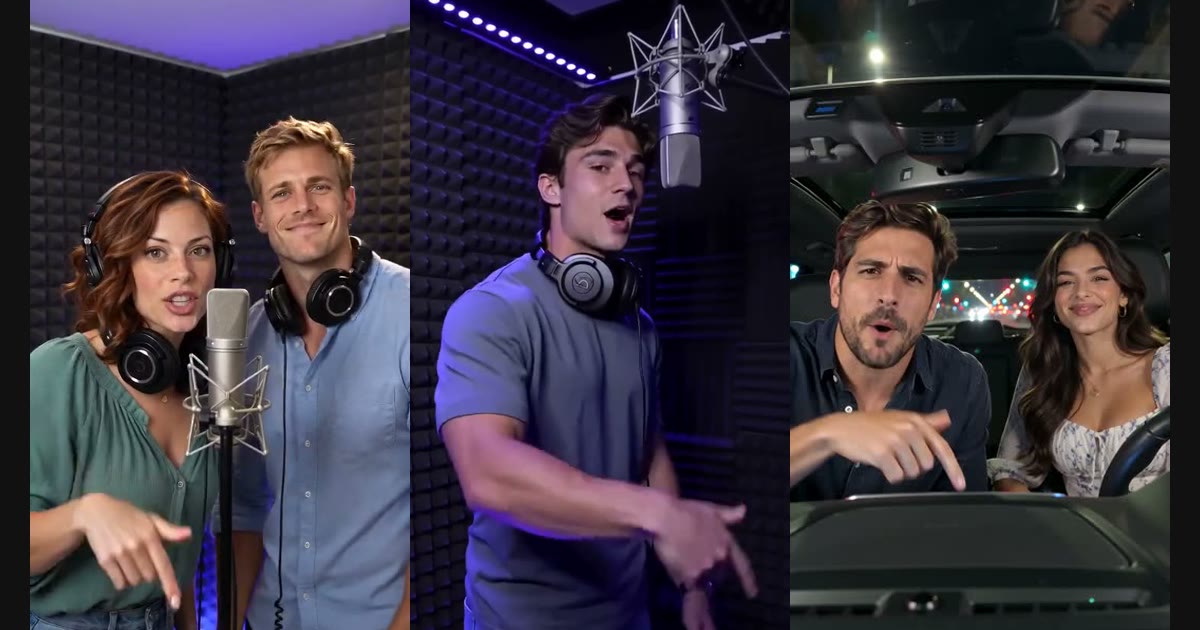
The short answer: "AI rap video generator" covers four different kinds of tools. For a video of you rapping from just a photo, with no song needed, our pick is Rap Video AI: one photo, or two for a duo, becomes an 8 to 30 second lip-synced MP4 with the beat and vocals made for it, from $6.99. To make a rap song, use Suno (Udio has stopped downloads). To make a photo lip-sync to a track you already have, use Hedra. To turn a finished song into a full music video, use Neural Frames or Freebeat. To design your own scene from a prompt, use Dreamina with Seedance.
Our top pick · 1 photo, or 2 for a duo · your own lyrics · from $6.99
How we compared: we checked each tool’s own site and pricing page on October 28, 2026, took a screenshot of each homepage the same way (desktop, 1440 px wide, signed out), and sorted them by what you put in and what you get back. Prices and plans change often, so check before you pay. Bulin 47 AI, the site you are on, is one of the tools below; we list it for the one trend it is built for.
Quick comparison: 8 tools
| Tool | What it makes | You give it | Needs a song? | Video of you rapping? | Price to start |
|---|---|---|---|---|---|
| 1. Rap Video AI | A rap performance video | 1 photo, or 2 for a duo, plus lyrics or a name and one detail | No: beat and vocals are generated | Yes, lip-synced | $6.99 per video, no subscription |
| 2. Suno | A rap song (audio) | A style prompt, optionally your lyrics | No: it makes the song | No | Free daily credits; Pro $10/mo ($8 billed yearly) |
| 3. Udio | A rap song (audio) | A style prompt, optionally your lyrics | No: it makes the song | No, and downloads are off | Free and paid plans |
| 4. Hedra | A talking or singing photo | A face and an audio file | Yes: your track or voice | Yes, to your audio | Billed per second of video |
| 5. Neural Frames | A full music video | Your finished song | Yes | Partly: has a lyric and lip-sync feature | From $39/mo ($26 billed yearly) |
| 6. Freebeat | A beat-synced music video | Your song or a link to it | Yes | Not the focus | Weekly and monthly plans |
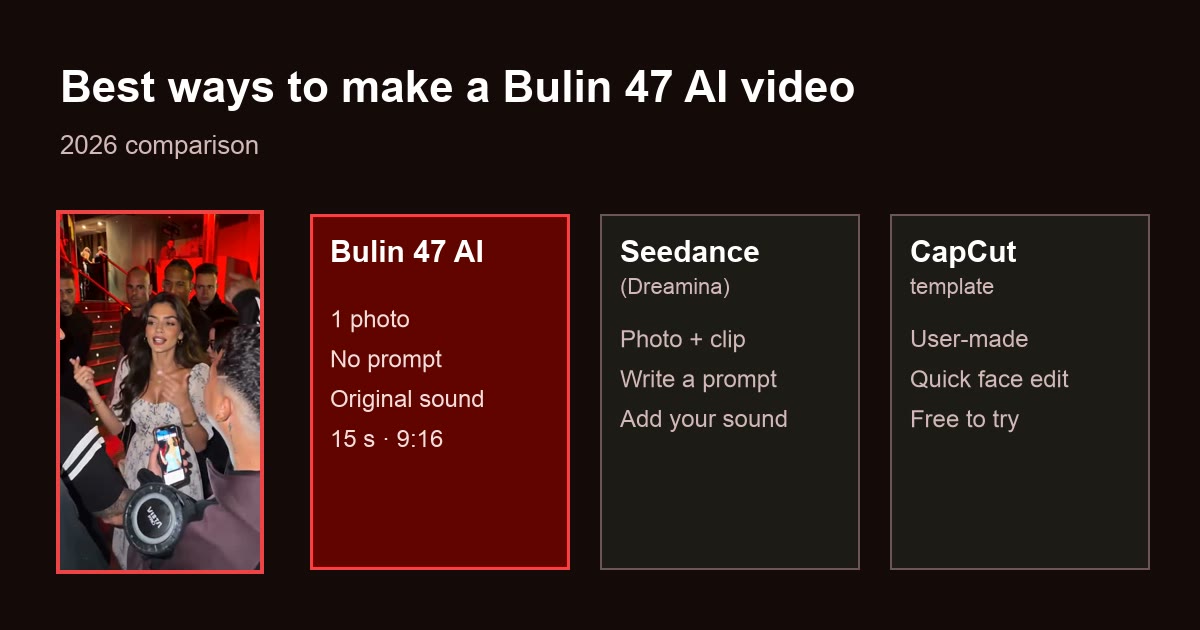
| 7. Dreamina (Seedance) | Any scene you prompt | A prompt plus image, video and audio references | Optional | Possible, not guaranteed | Free daily credits; paid plans |
| 8. Bulin 47 AI | The Bulin 47 freestyle, with you | 1 photo | No: the trend’s sound is included | Yes, for this one trend | $9.90 per video |
Four kinds of "AI rap video" tools
People search for one thing, but the tools do four different jobs. Picking the wrong kind is the most common reason a result disappoints.
1. Photo-to-rap performance generators
You upload a photo and get back a video of that person rapping, lip-synced, usually short and vertical for TikTok and Reels. Some generate the song too (Rap Video AI); others need you to bring the audio (Hedra). Pick this if the point is seeing yourself or a friend rap: a birthday shout-out, a roast, a duo.
2. AI rap song generators
Suno and Udio make the music: a full song with AI vocals, from a style prompt and optionally your lyrics. There is no video of you. Pick this if you want something to listen to, or a track to take into another tool.
3. Song-to-music-video generators
You bring a finished song and the tool builds visuals around it: scenes cut to the beat, sometimes lyrics on screen or a lip-synced character. Neural Frames and Freebeat are built for this. Pick this if you are an artist with a track that needs a full-length video.
4. Prompt-led video generators
General AI video apps such as Dreamina, which runs ByteDance’s Seedance models, make whatever you describe. You can write a rap scene into the prompt and add your photo as a reference, but you write the prompt, and gestures and lip sync are not guaranteed. Pick this if you want full creative control and don’t mind iterating.
The 8 tools: what each does, and where it stops
1. Rap Video AI: best for a video of you rapping, from one photo
Website: rap-video-ai.net
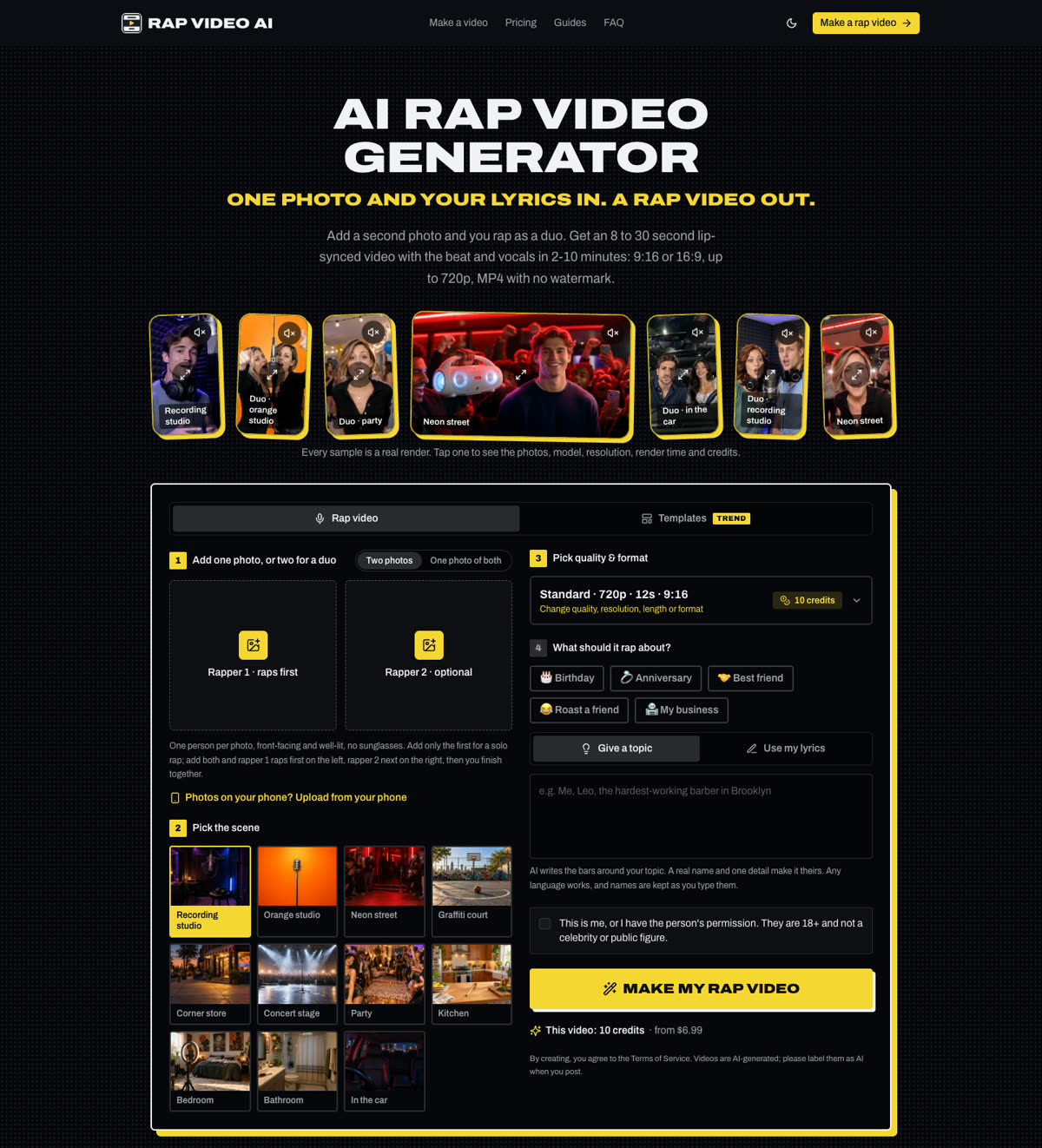
Rap Video AI is built for one job: turning a photo into a rap performance with nothing else to prepare. There is no song to find, no prompt to write and no editing, and it is the only tool here that writes the lyrics, makes the beat, generates the voice and lip-syncs your face in one step.
- Input: one clear, front-facing photo. Switch to two photos for a duo, or use one photo of the two of you.
- Lyrics: type a name and one detail ("Maya, 25, loves tacos") and AI writes the bars, or paste your own and they are rapped word for word, in the language you write them in.
- Beat and scene: Trap, Drill, Boom bap, Dembow or Phonk, in a recording studio, orange studio, neon street, concert stage, party, kitchen or car. Halloween and Christmas templates set everything for you.
- Occasions: Birthday, Anniversary, Best friend, Roast a friend or My business, plus a rap battle mode where two people trade disses.
- Output: an MP4 of 8, 10, 12 or 15 seconds (20 or 30 on the Ultra tier), 480p or 720p, 9:16 or 16:9, with no watermark. The beat, the voice and the lip sync are generated together, so they match.
- Models: four tiers on ByteDance Seedance, from 2.0 Mini to 2.5.
- Time: about 2-10 minutes.
- Cost: one video is $6.99, with no subscription, and packs bring the price down. A duo costs the same as a solo. Renders that error or time out are not charged.
Best for: a personal rap video of you or a friend, ready to post, in minutes. Trade-off: no free videos, no uploading your own song or voice, 30 seconds and 720p at most, and two rappers at most. The voice is an AI rapper’s, not yours.
1 photo, or 2 for a duo · 8-30 s · from $6.99
2. Suno: the rap song, not the video
Website: suno.com
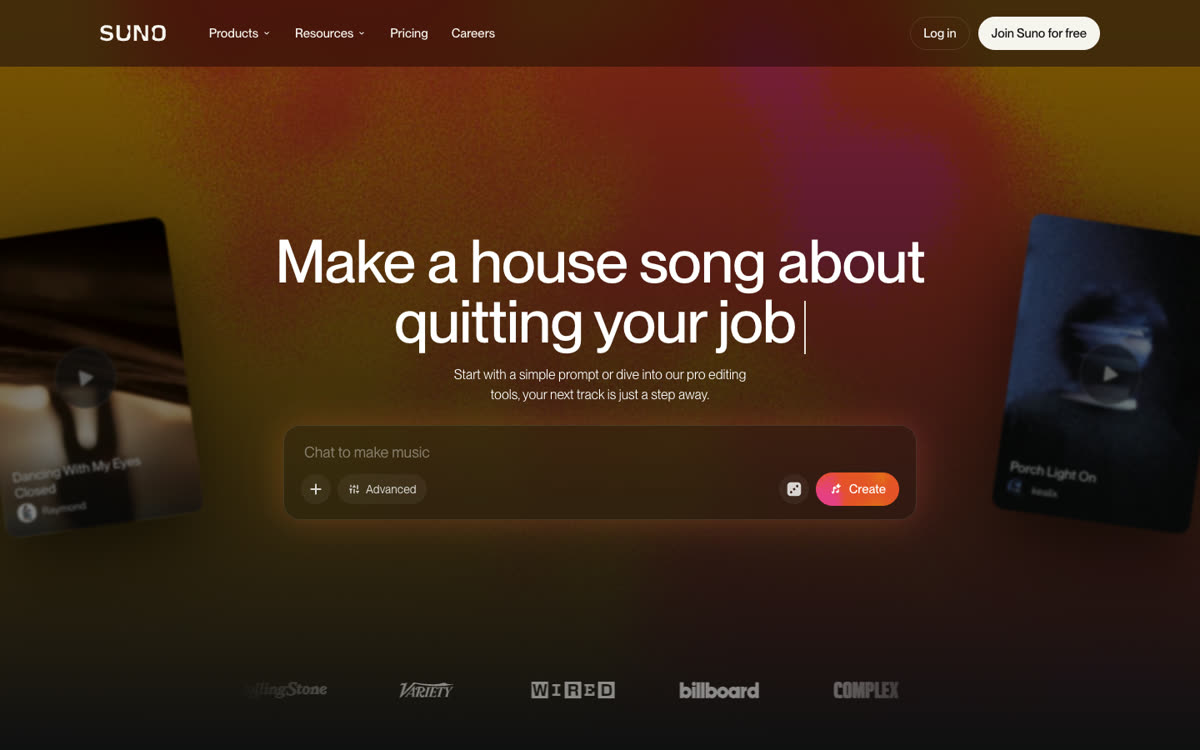
Suno is the best-known AI song generator. Give it a style ("hard trap, 140 BPM, confident male vocal") and your lyrics, and it returns a full track with rapped vocals.
- Output: audio. No video of you.
- Pricing (suno.com/pricing): Free gives 50 credits a day without commercial rights. Pro is $10 a month, or $8 billed yearly, for 2,500 credits; Premier is $30 a month, or $24 billed yearly, for 10,000 credits. Both paid plans include commercial rights.
- Rights: commercial use applies to songs made while you were on a paid plan.
Best for: a rap song to listen to or post as audio, or a track to bring into a lip-sync or music video tool. Trade-off: you still need a second tool, and editing time, to get a video.
3. Udio: strong songs you currently can’t download
Website: udio.com
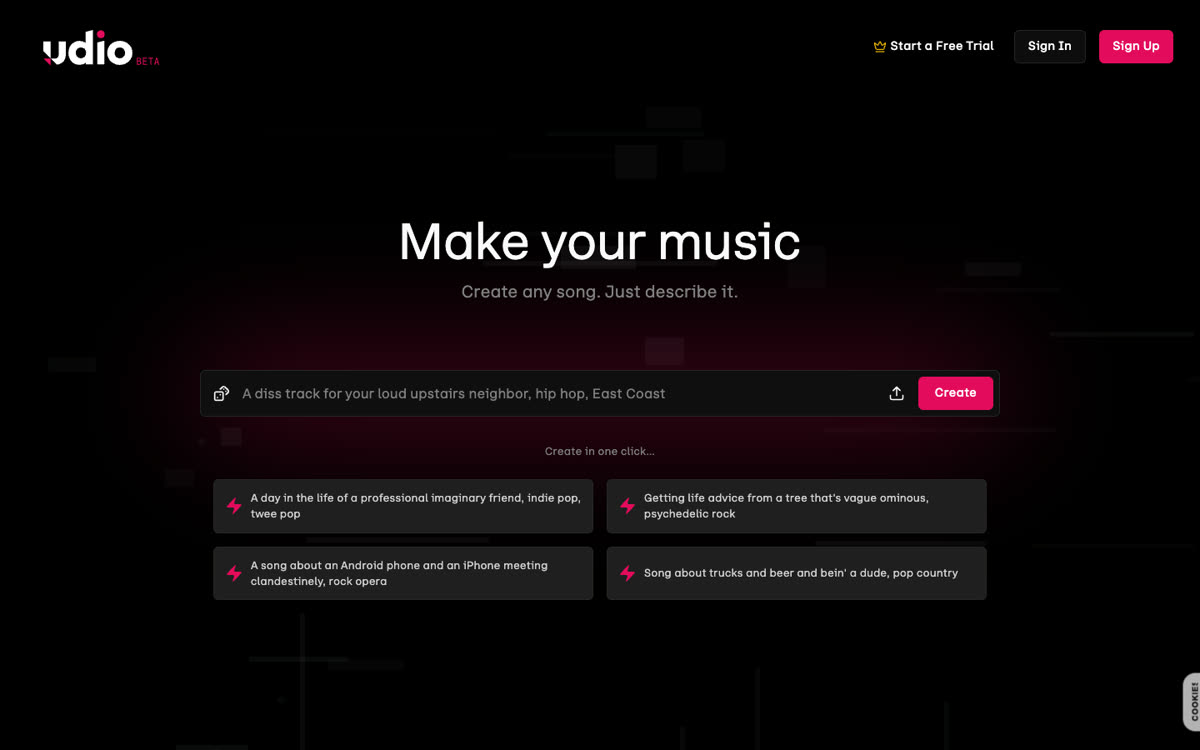
Udio also makes full songs with vocals from a prompt and your lyrics, and many people rate its sound highly. In late October 2025, as part of its settlement with Universal Music Group, Udio turned off downloads of audio, video and stems, apart from a short 48-hour window that November. A licensed, streaming-only platform has been announced.
- Output: a song you can play and share on Udio.
- What to check: as of October 2026, downloads were still reported as disabled. Check help.udio.com before you plan a video around an Udio track.
Best for: making and listening to songs inside Udio. Trade-off: without a download, you can’t take the song into a video tool.
4. Hedra: make a photo lip-sync to your own track
Website: hedra.com
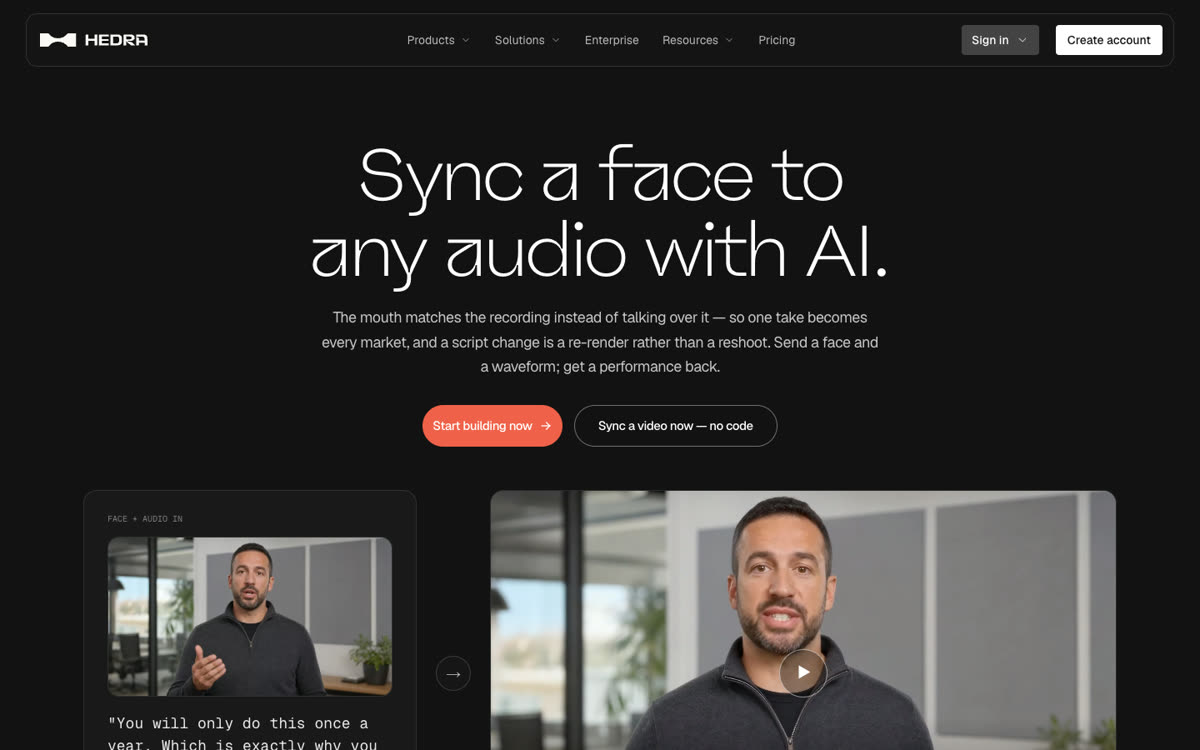
Hedra’s Character-3 model takes a face and an audio file and rebuilds the mouth, jaw and expression to match the sound, up to ten minutes in one generation.
- Input: a still image plus your audio: your own recording, or a song you have the rights to.
- Pricing: billed per second of finished video; check hedra.com for current plans.
- What to expect: Hedra matches mouth shapes to the sound. Fast, dense rap verses over a loud beat are harder than clean speech, so a cleaner vocal track usually gives better lip sync.
Best for: making a photo rap a song or a voice you already have. Trade-off: no beat, lyrics or scene are made for you; the result is only as good as the audio you bring.
5. Neural Frames: a full music video from your song
Website: neuralframes.com
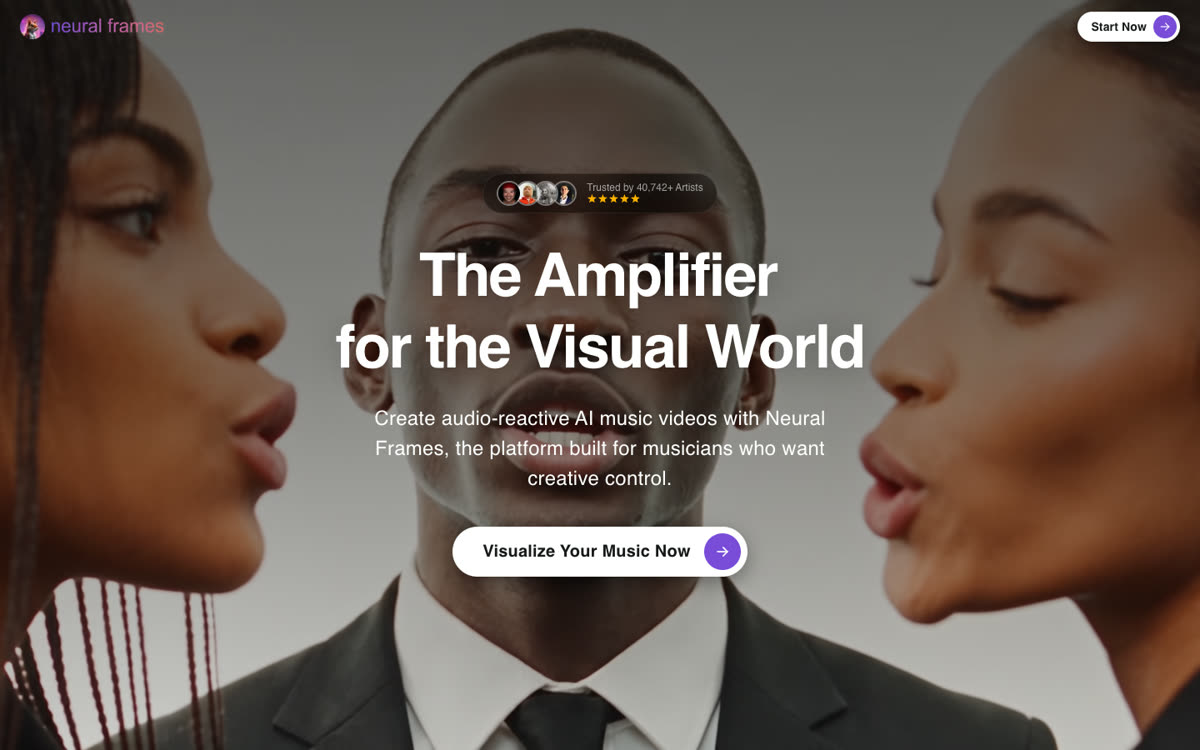
Neural Frames is built for artists. Upload a finished song and its Autopilot builds a full music video, up to 10 minutes, with stem extraction and a lyric and lip-sync feature for vocal performances.
- Pricing (neuralframes.com/pricing): from $39 a month, or $26 a month billed yearly, for 2,400 credits; higher plans at $99 and $299.
- Rights: you own the videos you make and can monetize them, as long as you have the rights to what you upload.
Best for: a full-length video for a released track. Trade-off: you need the song first, and it costs more than a one-off clip.
6. Freebeat: beat-synced music videos
Website: freebeat.ai
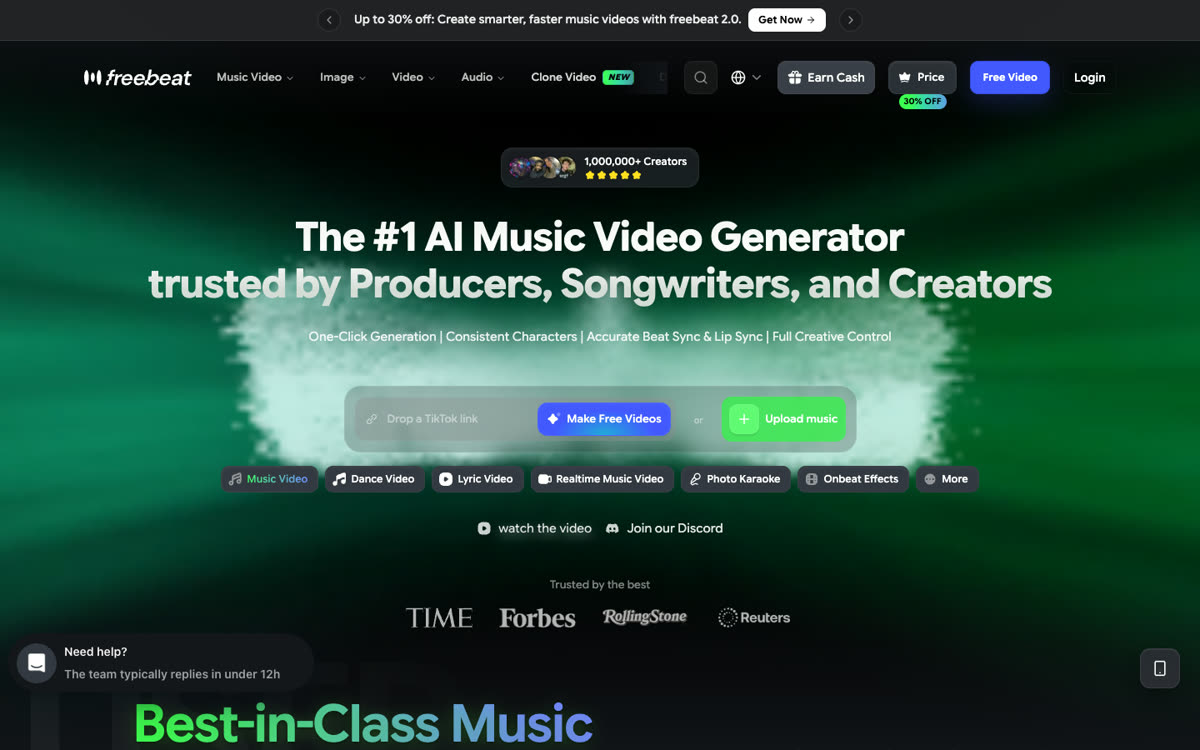
Freebeat turns a song you upload, or a Suno or TikTok link, into a music video cut to its beat, with visual styles to choose from. It is aimed at musicians and creators who post a lot of short music clips.
- Pricing: weekly and monthly plans; check freebeat.ai for current prices.
Best for: quick, beat-matched visuals for a track you already have. Trade-off: it is about the music, not about a lip-synced performance of you.
7. Dreamina with Seedance: design your own rap scene
Website: dreamina.capcut.com
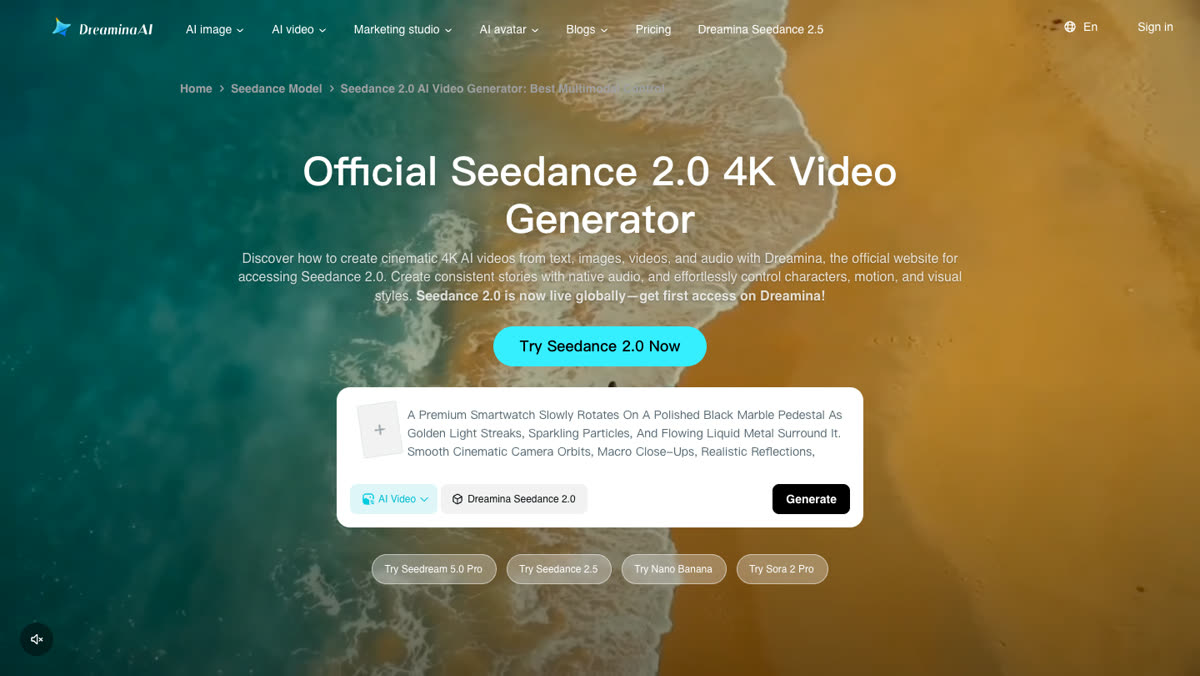
Dreamina is CapCut’s AI creation app and runs ByteDance’s Seedance video models. Seedance 2.0 there accepts a text prompt plus up to 9 images, 3 videos and 3 audio clips as references.
- Input: your prompt, your photo and any reference clips you find.
- Cost: free daily credits to try; paid plans remove the watermark and unlock longer, sharper videos.
Best for: creators who want a specific location, outfit or character and are happy to rewrite prompts. Trade-off: you set everything up, and matching lip sync to rap is not guaranteed.
8. Bulin 47 AI: only for the Bulin 47 freestyle trend
Website: getbulin47ai.com
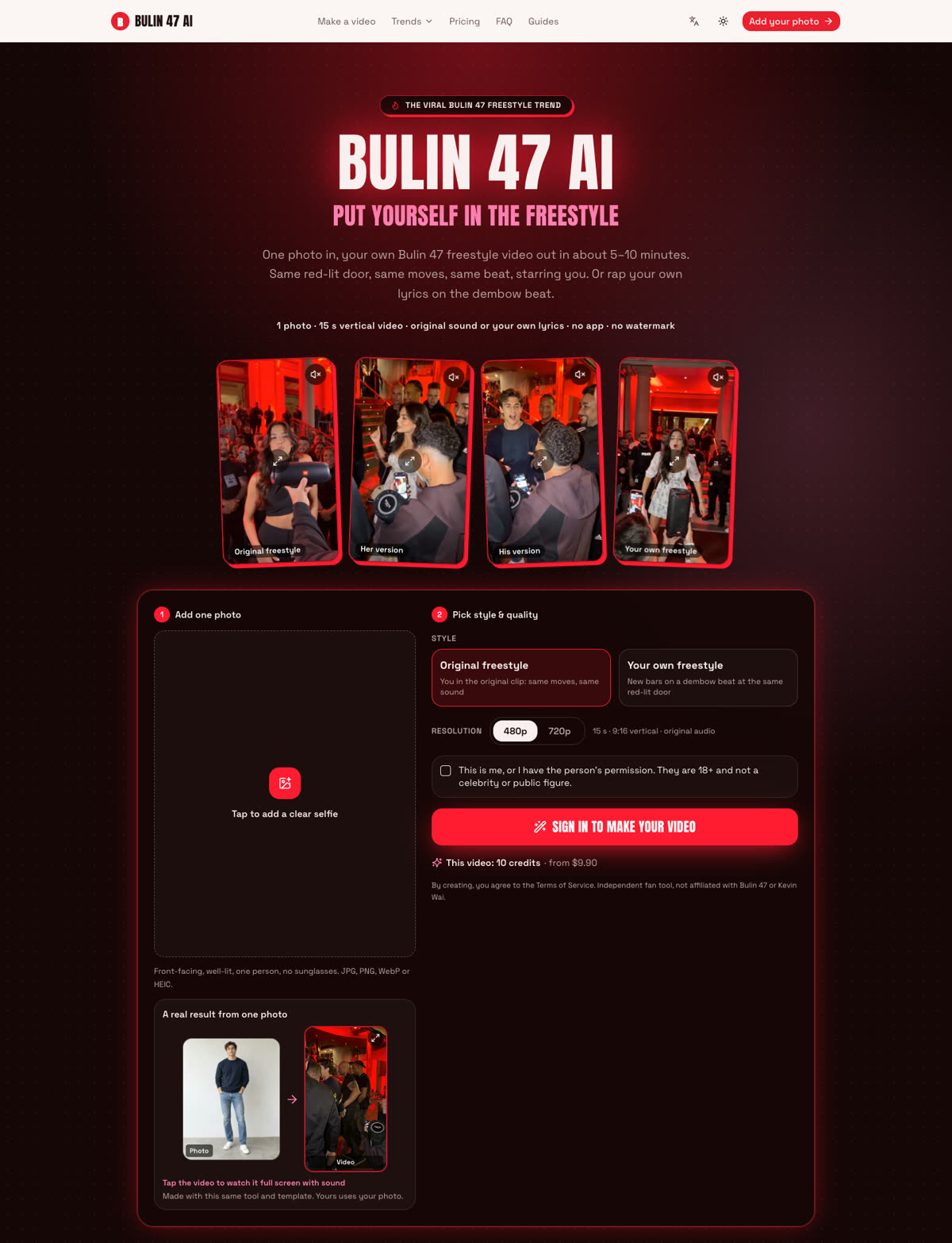
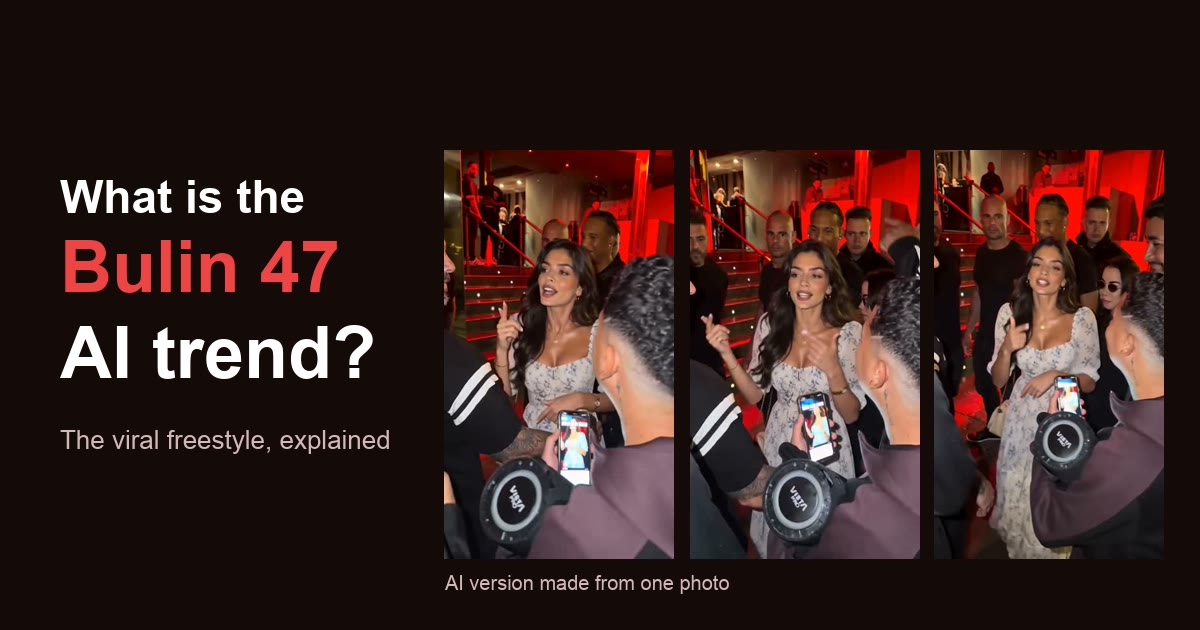
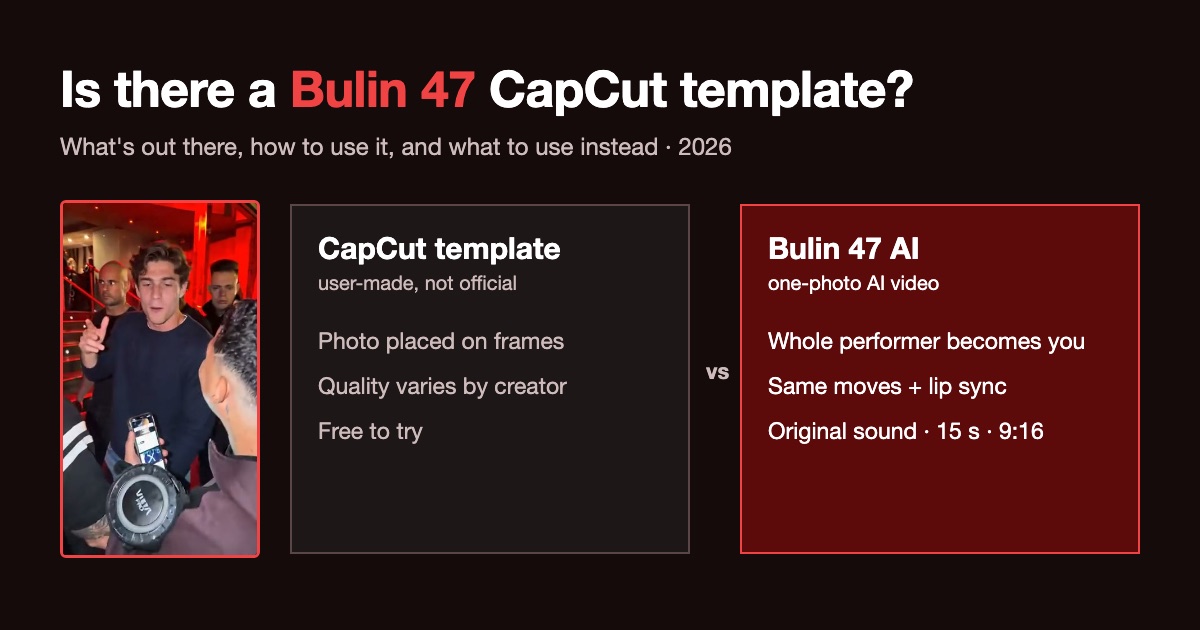
This site. Bulin 47 AI does one thing: puts you into the viral Bulin 47 freestyle, with the same red-lit entrance, moves and sound, from one photo. Its Your own freestyle mode raps new lyrics on a dembow beat in the same scene.
- Output: a 15-second, 9:16 video, with the original sound or silent for TikTok.
- Cost: $9.90 for 10 credits, enough for one standard video; no subscription.
Best for: joining that one trend. Trade-off: the scene is always the Bulin 47 one. For any other beat, scene, occasion or a duo, use Rap Video AI.
Which AI rap video tool fits you?
| Your situation | Try first | Why |
|---|---|---|
| I have a photo and an idea, no song | Rap Video AI | It writes the bars, makes the beat and the voice, and lip-syncs your face |
| A birthday, anniversary or roast video for a friend | Rap Video AI | Pick the occasion, type a name and one detail; about 2-10 minutes |
| Two people rapping together, or a rap battle | Rap Video AI | Two photos, or one of both; same price as a solo video |
| I want a rap song to listen to | Suno | Full track with vocals; downloads and commercial rights on paid plans |
| I recorded my own rap and want a photo to perform it | Hedra | Takes your audio and lip-syncs a face to it |
| I have a finished track and need a full music video | Neural Frames or Freebeat | Built around an uploaded song, up to full length |
| I want a custom scene and full control | Dreamina (Seedance) | Prompt plus references, if you can iterate |
| I want my own Bulin 47 freestyle | Bulin 47 AI | The original scene and sound, from one photo |
How to make an AI rap video: three workflows
Workflow A: a photo, no song (about 5 minutes of your time)
- Open Rap Video AI and add one photo, or two for a duo.
- Pick a beat and a scene, or a Halloween or Christmas template.
- Pick the tier, length and format: 9:16 for TikTok and Reels, 16:9 for YouTube.
- Pick an occasion and type a name and one detail, or paste your own lyrics: about 3-4 words a second, so about 42 words for 12 seconds.
- Tap Make my rap video and download the MP4 in about 2-10 minutes.
Workflow B: a Suno song plus a lip-sync tool
- Make the song in Suno, on a paid plan if you plan to post or monetize it.
- Download the track and cut the part you want; a 15-30 second hook works best for short video.
- Upload a clear photo and that audio to a lip-sync tool such as Hedra.
- Put the video together in an editor, add captions, and post.
This gives you your choice of song, but it takes two tools, two bills and more editing. If you don’t need that exact song, Workflow A gets you the beat, the voice and the video in one step.
Workflow C: a finished song to a full music video
- Upload the mastered track to Neural Frames or Freebeat.
- Plan the visuals by section:
| Song section | Visual direction | Purpose |
|---|---|---|
| Intro | Wide establishing shot, the scene or city | Set the mood |
| Verse | Close-ups, performance or story shots | Carry the lyrics |
| Hook | The strongest, most repeatable image | The clip people share |
| Outro | Pull back or fade out | A clean ending |
- Render, review each section, regenerate weak shots, and export at full length.
- Cut the hook into a short vertical clip for TikTok and Reels.
Before you post, whatever the tool
- Use your own face, or ask first. Only use photos of yourself or of adults who agreed; leave out celebrities, public figures and minors.
- Have the rights to the music. An uploaded song you don’t own can get the video muted or removed, and free plans often exclude commercial use.
- Label it as AI. TikTok, Instagram and YouTube ask you to mark AI-generated content.
No song needed · 1 photo, or 2 for a duo · ready in about 2-10 minutes
Suno, Udio, Hedra, Neural Frames, Freebeat, Dreamina, CapCut and Seedance are trademarks of their owners, who did not review or endorse this comparison.
Sources
- Suno, Pricing
- Hedra, AI lip sync
- Neural Frames, Pricing
- Digital Music News, Udio disables downloads after UMG deal
- Billboard, Udio opens a 48-hour download window
- Dreamina, Seedance 2.0
Frequently asked questions
- What is the best AI rap video generator?
- It depends on what you start with. From just a photo, with no song, Rap Video AI (rap-video-ai.net) is our top pick: it writes the bars, generates the beat and the voice, and lip-syncs your face in an 8 to 30 second video, from $6.99. If you already have a track, a lip-sync tool such as Hedra animates a photo to it. For a full-length music video from a finished song, use Neural Frames or Freebeat.
- Can Suno or Udio make a rap video?
- No. Suno and Udio make songs: audio with AI vocals, not a video of you rapping. You can take a Suno track into a lip-sync or music video tool. Udio turned off downloads in late October 2025 after its deal with Universal Music Group, so its songs are hard to use anywhere else; check help.udio.com for the current status.
- Can I make a video of myself rapping from one photo?
- Yes. Rap Video AI takes one clear, front-facing photo and returns an 8 to 30 second MP4 of you rapping, lip-synced, with a beat and an AI voice. You pick the beat, the scene and the lyrics, or type a name and one detail and AI writes the bars.
- Can two people rap together in an AI video?
- Yes. On Rap Video AI, add one photo of each person, or one photo of the two of you: rapper 1 raps first, rapper 2 answers and both finish together, at the same price as a solo video. It also has a rap battle mode where the two trade disses.
- Can I use my own song or my own voice?
- Use a lip-sync tool such as Hedra, which takes a face and an audio file. Song-to-video tools such as Neural Frames and Freebeat build a music video around an uploaded song. Rap Video AI does not take audio uploads or clone voices: it generates the beat and vocals with the video.
- Is there a free AI rap video generator?
- Mostly free to try, rarely free to keep. Suno has a free daily allowance for songs without commercial rights, Dreamina gives free daily credits, and most video tools watermark or shorten free output. Rap Video AI has no free videos, but one video is $6.99 with no subscription and failed renders are not charged.
- Can I post or monetize an AI rap video?
- Read each tool’s terms. Suno gives commercial rights only on paid plans, and only for songs made while subscribed. Whatever you use, have the rights to any song or photo you upload, only use faces of people who agreed, and turn on the AI-generated label on TikTok, Reels or YouTube.